Higher Education AV Systems for a Future-Ready Campus
Brad Rojas
Choosing who to trust with campus-wide technology is no small decision, as it shapes how a university teaches, supports, and operates for years to come.
University IT leaders, facilities teams, administrators, academic leaders, and procurement teams must balance budgets, security, construction schedules, faculty needs, student expectations, and long-term support. A decision made today may affect hundreds of classrooms and thousands of people for years.
Most universities also do not start with a blank slate. They are working with aging equipment, different systems across buildings, limited budgets, and technology installed by several providers over many years.
The university needs more than new equipment. It needs a knowledgeable integration partner who can align technology decisions with how the campus operates and with the needs of the people who use and support it.
When you walk into a well-designed classroom, the planning is easy to recognize.
The professor connects a device and begins teaching. Students can see and hear clearly. A student joining remotely can participate. The session records automatically for anyone who needs to review it later.
The technology supports the experience without becoming the focus.
How Should a University Plan a Campus-Wide AV Project?
A successful AV project should begin with the university’s needs, not a list of products, because the right technology follows the right planning.
How do instructors use each room? What systems does the IT team already manage? Which spaces need to operate consistently? What network and security requirements must be considered? How can installation happen without disrupting classes?
At Link Integration, the answers shape the project.
The team works to understand the university’s goals, infrastructure, workflows, construction schedules, budgets, and long-term plans. That often means involving IT, facilities, academic leadership, procurement, AV designers, and other campus stakeholders early.
As Brad Rojas, owner and engineer at Link Integration, explains:
“We do not start by asking what display belongs in the room. We start by asking what the instructor needs to accomplish, what the student needs to experience, and what the university will need to support in the years to come. The technology decisions should follow those answers.”
Bringing the right people together at the beginning helps the university avoid costly changes later and keeps the project aligned with campus needs.
A campus AV plan should generally include three steps:
1. Understand the campus. Review existing systems, visit the spaces, and learn how faculty, students, and support teams use the technology.
2. Create consistent standards. Establish clear standards for classrooms, controls, displays, audio, networking, and support.
3. Install and support the system. Coordinate installation, programming, testing, training, and continued service with as little disruption as possible.

What Technology Should Be Included in a Smart Classroom?
A smart classroom should make teaching easier, not more complicated, and every technology choice should support that goal.
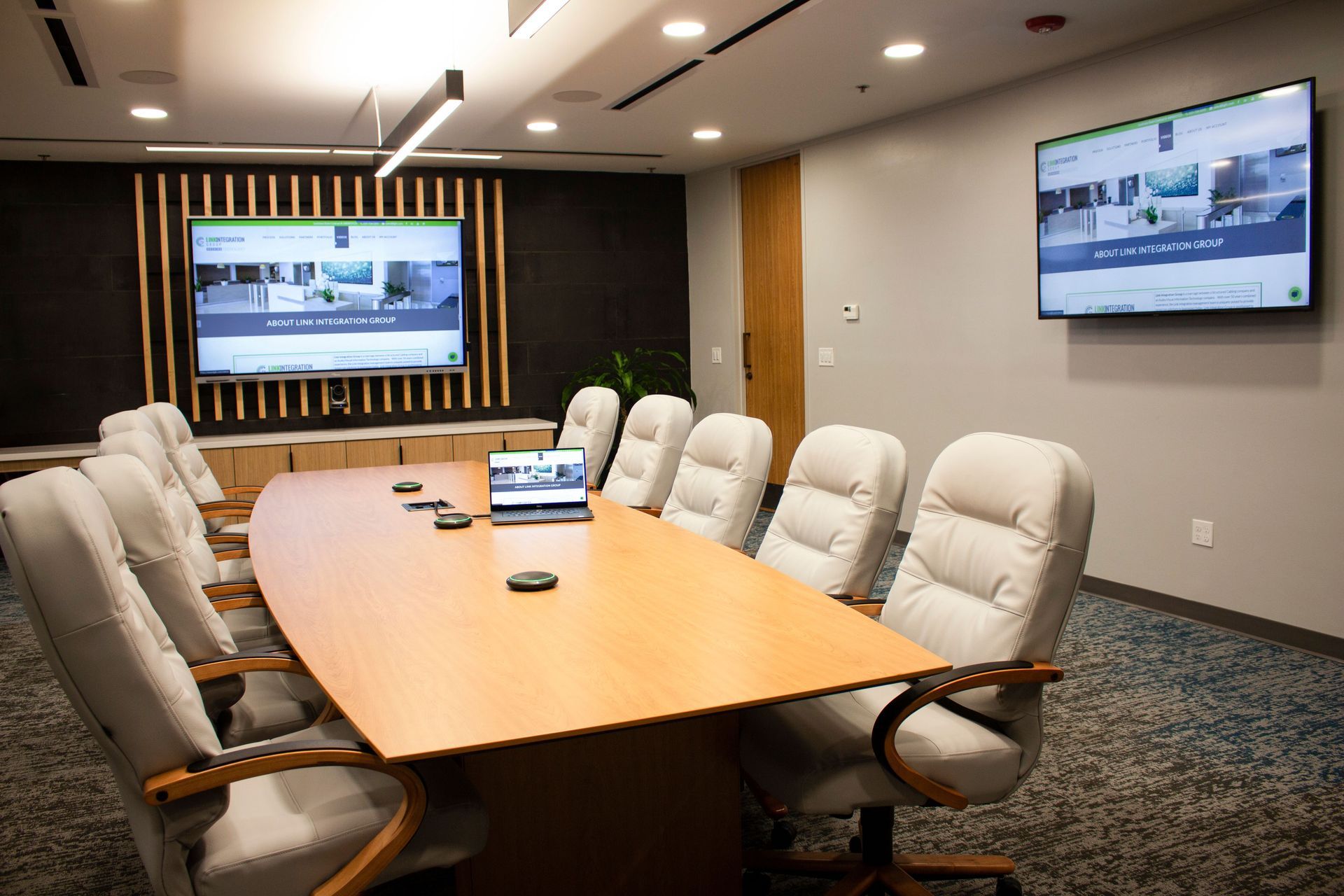
That requires displays, cameras, microphones, presentation tools, and controls to work together as a single system.
Common smart classroom technology includes:
- Displays and interactive panels for presenting and annotating content
- PTZ or wide-angle cameras for remote and recorded instruction
- Ceiling or boundary microphones that capture natural classroom discussion
- Presentation switchers and control panels that make the room easy to operate
The equipment matters, but consistency matters just as much because the classroom experience should stay familiar across campus.
A professor teaching in three buildings should not have to learn three different systems. Inputs should be labeled the same way. Controls should feel familiar. The instructor should be able to walk into the room and begin teaching with confidence.
Unfortunately, classroom upgrades completed at different times can create a patchwork of equipment, controls, vendors, and support requirements. These are among the most common AV integration challenges on college campuses.
Standardizing the classroom experience reduces confusion for faculty, simplifies training, and gives IT teams fewer systems to monitor and troubleshoot.
When the room is planned well, faculty can focus on teaching and students can focus on learning.
How Do Lecture Capture Systems Help College Students?
Students do not all learn under the same circumstances.
One student may need to hear a difficult explanation again before an exam. Another may miss class because of illness, work, athletics, or a family responsibility. A remote student still needs access to the same instruction as those in the room.
Lecture capture systems give students more ways to access course material.
Modern systems can integrate with classroom schedules and automatically begin recording. The lecture can then be sent to the university’s learning management system without adding extra steps for the instructor.
Lecture capture can help universities:
- Give students access to missed classes.
- Allow students to review difficult material.
- Support remote and asynchronous learning.
- Help faculty reuse and improve course content.
- Support captioning and accessibility needs.
The best lecture capture system works in the background. Faculty continue teaching as usual, while students gain more control over when and how they review the material.
Why Should AV and IT Teams Plan Campus Technology Together?
Many campus AV systems now depend on the university’s network.
AV over IP transmits audio and video over network infrastructure rather than relying solely on dedicated AV cabling and hardware. This can make campus systems easier to expand and manage.
AV over IP may allow a university to:
- Add displays without installing dedicated cabling for every connection.
- Send video from one source to several campus screens.
- Distribute emergency messages across multiple buildings.
- Manage AV devices through familiar network tools.
- Expand systems as campus needs change.
However, AV over IP is not only an AV decision.
It can affect network capacity, cybersecurity, bandwidth, device management, access controls, and future expansion. A system may work inside the classroom but still create problems if the network was not considered during planning.
That is why AV and IT teams need to plan together before the first cable is run.
An experienced integration partner should understand both the technology inside the room and the infrastructure behind it, helping the university avoid redesigning the system after equipment has already been purchased.
Faculty and students may never see the work behind the walls, but it directly affects whether the technology works when class begins.
How Can Digital Signage Improve the Campus Experience?
Most campuses already have screens. The challenge is turning them into a useful communication system.
A shared digital signage platform allows departments to manage their own information without sending every routine update through IT. Athletics can post schedules. Dining services can update menus. Student affairs can promote events. Facilities teams can share building notices.
Digital signage can support:
- Campus wayfinding
- Building directories
- Events and announcements
- Dining and athletic schedules
- Student deadlines and resources
- Emergency alerts
Consider a new student trying to find a classroom or a family visiting campus for the first time. Clear, current signage reduces confusion and helps the campus feel more welcoming.
During an emergency, the same network can help the university distribute consistent information across multiple buildings.
When Does a University Need a Centralized Control Room?
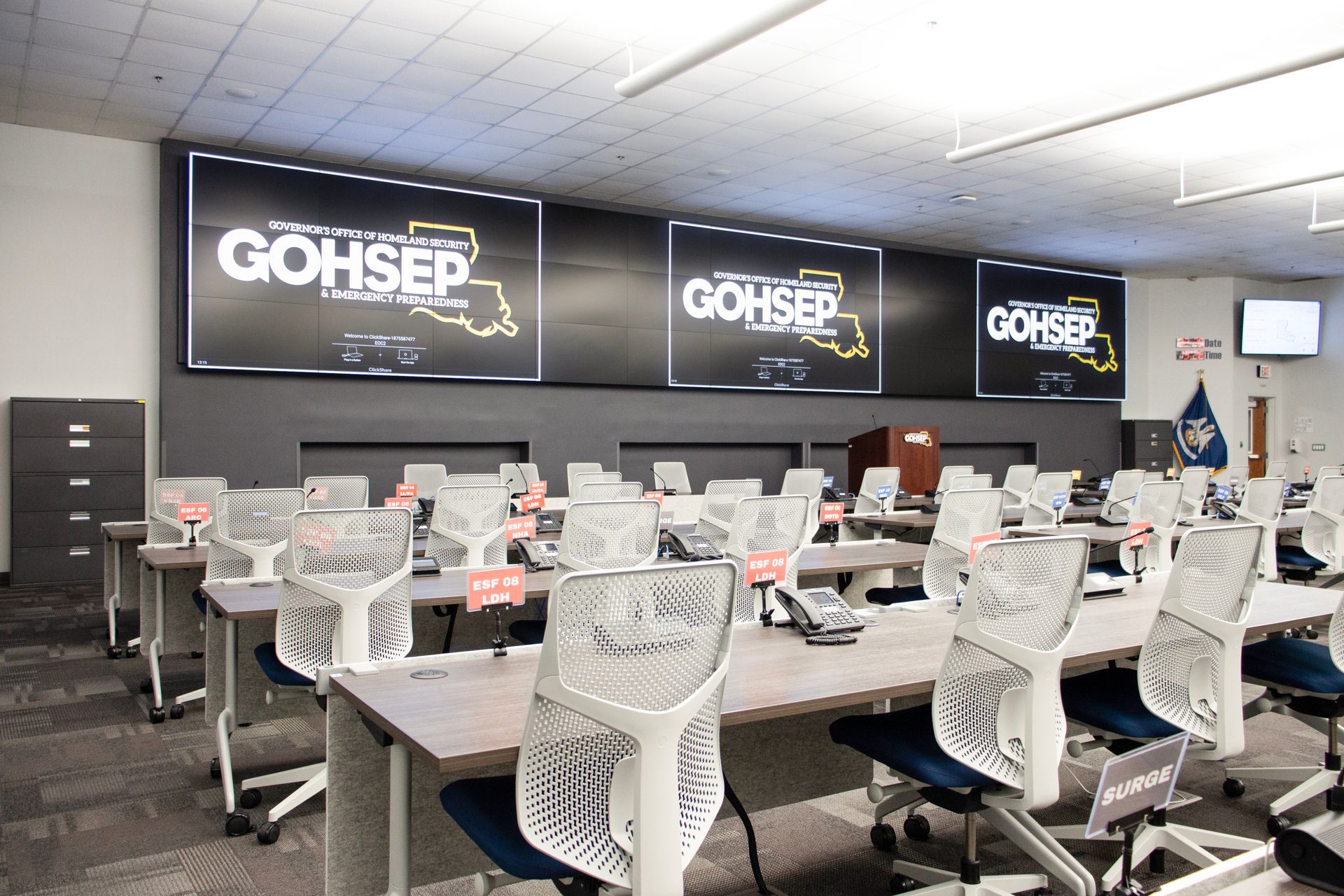
Larger universities often manage information from security systems, building systems, communications platforms, athletic operations, and AV equipment.
A centralized control room can bring that information together.
A control room may support:
- Security monitoring
- Emergency response
- Building operations
- Campus communications
- AV system monitoring
- Athletic and game-day production
The goal is not to fill the room with as many screens as possible. The goal is to help staff understand what is happening and respond quickly.
Screen placement, lighting, sightlines, sound, controls, and operator comfort all affect how well the room performs. These details become especially important when someone must monitor the space for hours or make a fast decision during an urgent situation.
A good control room is designed around the people making those decisions because the technology should support faster, clearer action.
How Can Universities Upgrade AV Without Disrupting Classes?
A university cannot stop operating while its technology is being upgraded.
Classes continue. Buildings stay open. Staff members still have daily responsibilities. Academic schedules, construction projects, orientations, exams, and events all affect when work can happen.
This is why project management matters as much as equipment selection.
A knowledgeable technology integration partner should be able to coordinate departments, manage timelines, test systems, train staff, and complete work with as little disruption as possible.
When Link Integration worked with Louisiana State University on a large classroom AV upgrade, the university needed the project completed while daily campus operations continued.
As Ric Simmons at Louisiana State University shared:
“Our latest large-scale classroom AV upgrade went smoothly, due in part to Link Integration Group’s experience in project management, installation, and programming. Their team completed the work while allowing our staff to continue day-to-day operations without disruption.
After installation, their support has been equally impressive. Whether providing additional training for our technical staff or responding to on-site troubleshooting needs, their team has been very fast and supportive. The result has been less classroom downtime and more learning time for our students.”
That result shows why an AV project is not finished when the equipment is installed: it is finished when the university can use and support it well.
University staff must know how to support the system. Faculty need confidence using it. IT teams need a dependable resource when an issue cannot be resolved internally.
The integration partner should remain available after the system goes live.
What Happens When Campus AV Systems Are Not Standardized?
Universities can continue upgrading one classroom or building at a time without a shared plan.
Over time, that approach can lead to:
- Different controls in every classroom
- More training for faculty and staff
- Several manufacturers and support processes
- Higher maintenance costs
- More troubleshooting for IT
- Greater difficulty expanding systems
- More classroom downtime
The university may continue spending money even as faculty, students, and support teams continue to experience the same problems.
A campus-wide plan helps every project support a larger goal.
What Should a Future-Ready Campus Feel Like?
A future-ready campus is not necessarily the campus with the most technology.
It is the campus where technology feels reliable, familiar, and easy to use.
Faculty can walk into a room and begin teaching. Students can see, hear, participate, and review course material. IT teams can monitor the systems they support. Facilities teams understand how the technology fits within the campus infrastructure. Administrators know the investment can grow with the university.
Brad Olson, general manager at Link Integration, describes the desired outcome this way:
“We know a campus AV project has succeeded when the room stops drawing attention to itself. Classes begin on time, support teams can identify issues before they become disruptions, and the university can build on the same foundation instead of starting over with every renovation.”
Reaching that point requires more than purchasing displays, cameras, and microphones. It requires a partner who understands the responsibility that comes with the decision.
Link Integration brings together AV design, structured cabling, network experience, project management, programming, installation, training, and ongoing support. The team helps university leaders reduce risk, make informed decisions, and create technology that supports the people who rely on it every day.
Contact Link Integration to discuss your campus goals and the next step toward a more consistent AV strategy.