Huddle Room vs. Conference Room Technology: What Does Your Office Actually Need?
Kyle Williams
Choosing the right meeting room for your office should not feel overly complicated. But for organizations upgrading a huddle room or conference room, the decisions can add up quickly.
A room that is too large for the way employees actually meet wastes valuable space. A room with too little technology can frustrate users, while too much technology can increase costs, complicate operation, and create more systems for IT to support.
The right meeting-room strategy starts with a simpler question: What do your people need to accomplish when they walk into the room?
Once that is clear, deciding between a huddle room, conference room, or a combination of both becomes much easier.
What Is a Huddle Room?
A huddle room is a small meeting space designed for quick, focused collaboration among a limited number of people.
Huddle rooms are commonly used for:
- Small-group discussions
- One-on-one meetings
- Project updates
- Video calls
- Short hybrid meetings
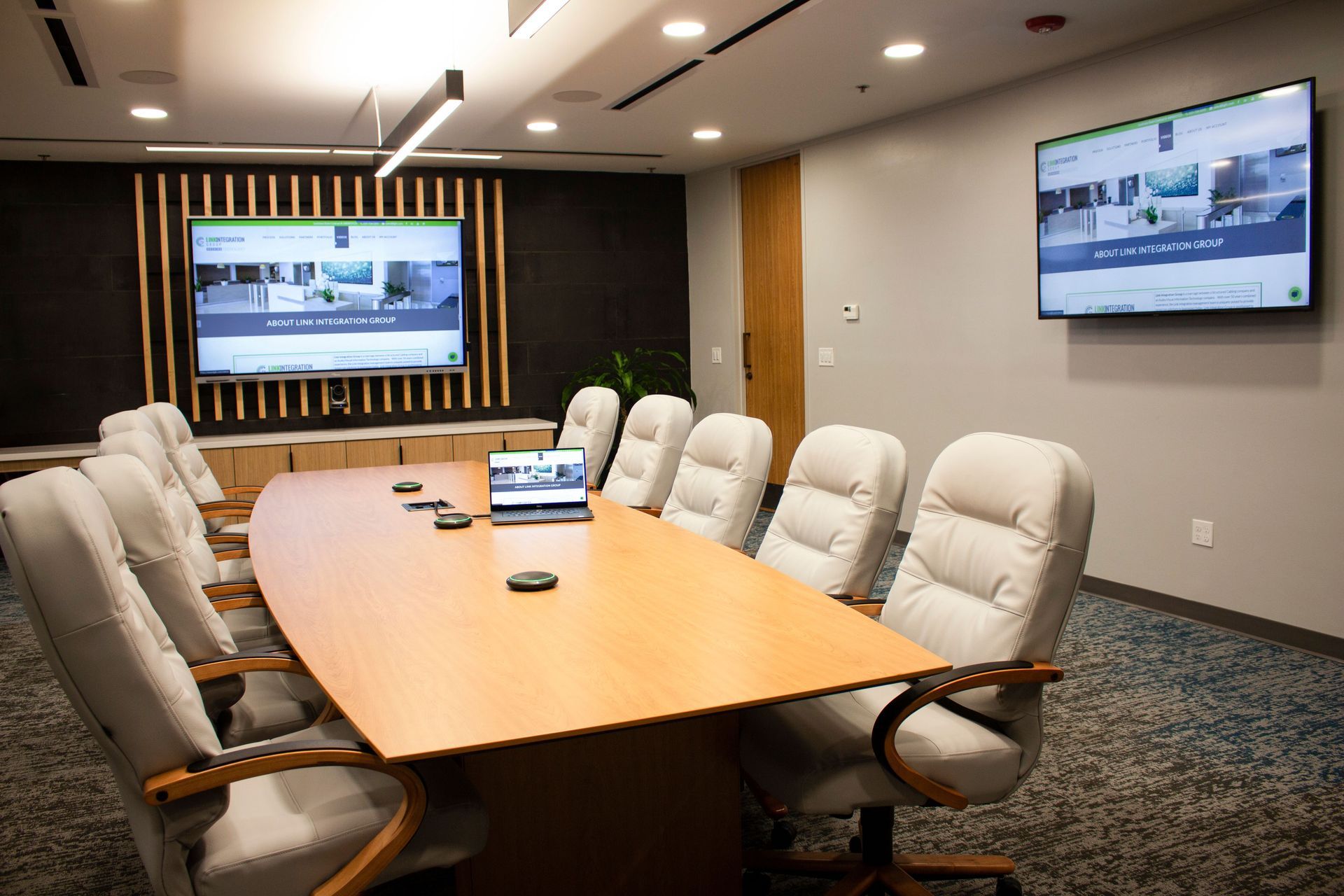
Because participants sit relatively close together, the technology can often remain simple. A display, camera, microphones, speakers, video conferencing, and an easy way to share content may be all the room needs.
The goal is not to fill the room with equipment. The goal is to help employees walk in, start the meeting, and get to work.
“The best meeting room is not the one with the most technology. It is the one that gives users what they need without making them think about the technology behind it.”
Brad Rojas, Engineering & Partner, Link Integration Group
What Is a Conference Room?
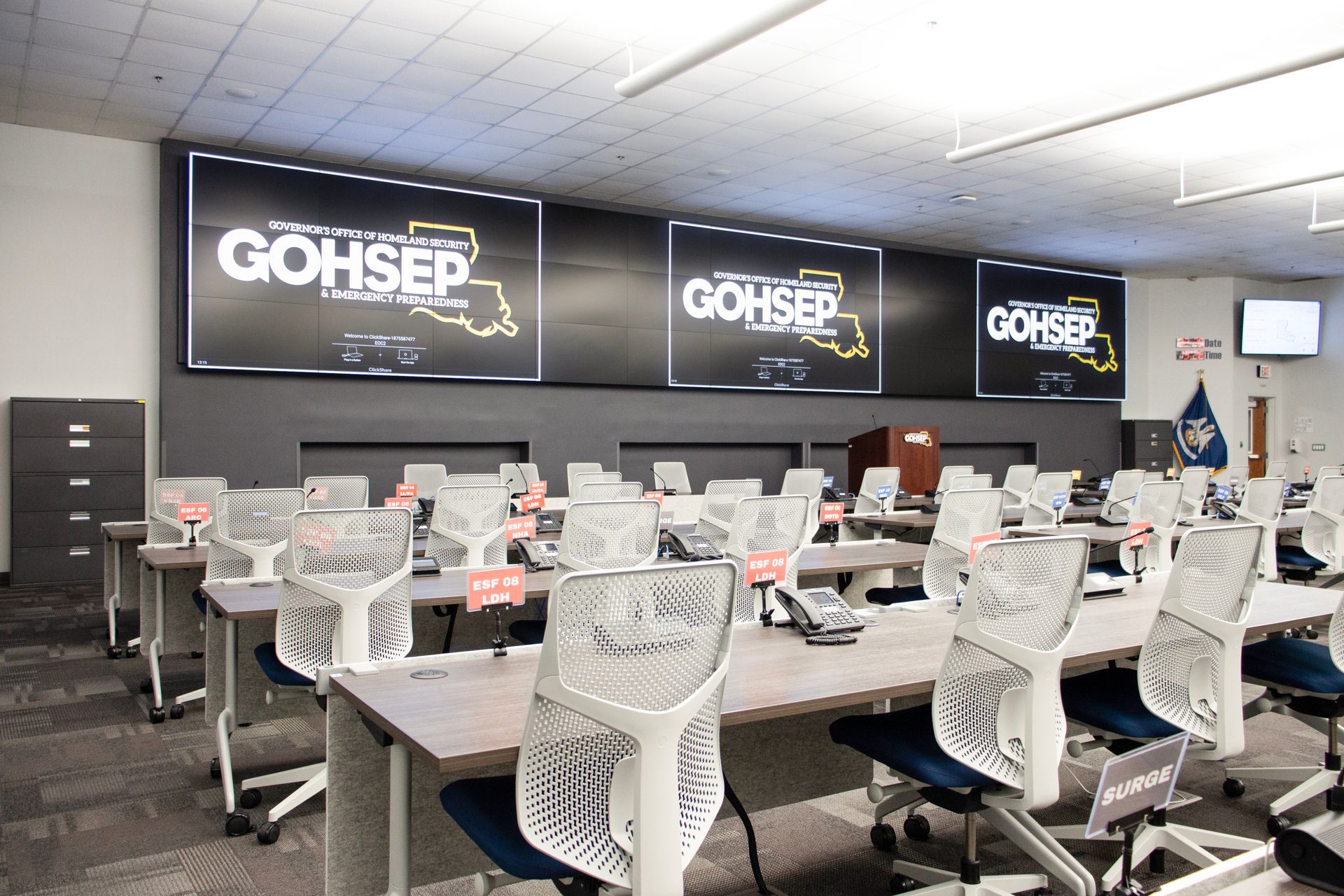
A conference room is a larger meeting space designed for meetings that require broader audio, video, presentation, and collaboration capabilities. These rooms may support executive meetings, client presentations, training sessions, department meetings, and larger hybrid discussions.
The challenge is that larger rooms create larger technology demands. Someone sitting at the far end of the table still needs to be heard. Remote participants need to see who is speaking. Presentations need to be visible from every seat. Employees need to operate it all without calling IT every time a meeting begins. Depending on the room and how it is used, that may require additional microphones, larger or multiple displays, advanced camera systems, presentation switching, speakers, or room controls.
This is where thoughtful system design makes a real difference. No one wants to walk into an important meeting wondering which remote to use, why the camera is not working, or whether the person joining remotely can hear the conversation. The technology may be complex behind the scenes, but for the employee, it should feel simple. Walk in, start the meeting, and focus on the people in the room.
What Is the Difference Between Huddle Room and Conference Room Technology?
The main difference between huddle room and conference room technology is how much audio, video, presentation, and control coverage the room requires.
| Consideration |
Huddle Room |
Conference Room |
| Typical Capacity |
2–6 people |
6–20+ people |
| Common Uses |
Quick collaboration, video calls, project meetings |
Executive meetings, presentations, training |
| Audio and Video |
Compact systems may be sufficient |
Broader microphone, speaker, camera, and display coverage |
| Controls |
Simple and streamlined |
More capabilities with intuitive controls |
| IT Requirements |
Typically easier to deploy and support |
Greater networking, monitoring, and integration needs |
At Link Integration, we often see organizations choose the equipment first and figure out the room later. That usually leads to a bigger conversation about how the space is actually used, who needs to use it, and what has to happen there every day.
We prefer to work the other way around. Start with the meeting. Who is in the room? Who is joining remotely? What are people trying to see, hear, share, or accomplish? Once those answers are clear, the technology choices become much easier.
The same thinking applies to individual technology choices. A display that works well in one room may be the wrong fit in another because of differences in room size, lighting, seating, or viewing angles.
When Does a Huddle Room Make More Sense Than a Conference Room?
A huddle room makes more sense when employees regularly meet in small groups and do not need the capacity or capabilities of a larger conference room.
Picture a ten-person conference room that groups of two or three book most of the day. The answer may not be another large conference room. It may be a few smaller spaces that better match how people actually meet.
Smaller huddle rooms give two or three people somewhere to meet without tying up a conference room built for ten. That leaves the larger space open for meetings that actually need it and gives employees a room that better fits how they work.
When Does an Office Need a Full Conference Room?
An office needs a full conference room when meetings regularly involve larger groups, formal presentations, executive discussions, training, clients, or more demanding hybrid collaboration.
The same room may need to support very different activities throughout the day. A leadership meeting at 9 a.m. might be followed by a client presentation at noon and an employee training session in the afternoon. The room needs enough flexibility to support all three without making employees reinvent the process each time.
That is where thoughtful AV planning matters.
Should Meeting Room Technology Be Standardized?
Meeting room technology should feel familiar from room to room, even if the equipment behind the scenes is different.
Think about what happens when it does not. You walk into one room and know exactly how to start the meeting. In the next room, there is a different remote, a different way to share your screen, and a different conferencing setup.
That is when people start guessing, meetings start late, and somebody ends up calling IT. A small huddle room and a large conference room do not need the same equipment. But they should not feel like two completely different worlds to the person using them.
If employees already understand how to operate the room, share content, and connect with remote participants, they can spend less time figuring out the system and more time using it.
“Consistency is what makes technology easier to live with. Employees should not have to relearn the room every time they walk into a different space.”
Kyle Williams, Operations & Partner, Link Integration Group
Link has seen this same challenge in larger environments, including college campuses where technology may have been installed in phases over many years. Different systems may work individually, but inconsistency across spaces can increase support demands and make the experience more difficult for users.
Why Should IT Be Involved in Meeting Room Technology Planning?
IT should be involved in meeting room technology planning because modern AV systems increasingly depend on the organization’s network, security standards, conferencing platforms, and device-management infrastructure.
Problems can surface late in the process. A room may be nearly finished before IT learns that new devices need network access, a conferencing platform does not fit existing standards, or equipment has been selected that the IT team will be expected to support for years.
Depending on the project, IT may need to weigh in on:
- Network capacity
- Cybersecurity requirements
- Video conferencing platforms
- Device management
- Remote monitoring
- Software and firmware updates
- Future expansion
IT does not need to own the AV design, but it should help ensure the room works within the organization’s existing technology environment.
We have seen the same thing play out in higher education projects, where AV and IT often overlap more than teams expect. Getting IT involved earlier usually makes the project smoother and avoids headaches later.
What Problems Can Poor Meeting Room Technology Planning Cause?
Poor meeting room technology usually doesn't fail dramatically. It just starts getting annoying. The meeting begins, but nobody can figure out how to connect. Someone says the people online cannot hear them. Another person stands up, trying to find the right remote. After a while, everyone just knows which room to avoid.
That is when IT starts getting calls for problems that really should have been solved when the room was designed. None of those issues sound huge on their own, but they waste time and make people dread using the space. A little more planning upfront can save a lot of frustration later.
How Do You Determine What Meeting Room Technology Your Office Needs?
The best way to determine what meeting room technology your office needs is to start with how people actually use the room, not with the equipment.
Think about the meetings that happen there every day. Is it usually two or three people on a quick call? Is someone presenting to a client? Are half the people in the room and the other half joining remotely?
Those answers tell you a lot more than starting with a camera, display, or microphone.
Before making any decisions, ask a few simple questions:
- How many people usually use the room?
- How often does someone join remotely?
- Are people mostly talking, presenting, or sharing content?
- What frustrates employees about the room today?
- Does IT have a preferred conferencing platform?
- Do you plan to grow, renovate, or add locations?
This is where organizations can save themselves a lot of trouble. If you start with the equipment, it is easy to end up paying for features no one uses or missing something people need every day.
A better conversation sounds more like this. Can everyone hear each other? Can the person joining remotely see what is happening? Can someone walk in and start the meeting without calling IT?
Once you know what a good meeting should feel like, choosing the technology gets a lot easier.
What Meeting Room Technology Is Right for Your Office?
The right meeting room technology is whatever helps people do their jobs without making the room harder to use. For one office, that may mean a few simple huddle rooms. For another, it may mean a larger conference room with better audio, video, and presentation tools. Most organizations end up needing some combination of both.
You know the setup is working when the technology stops being something employees have to think about. Remote attendees can hear and see what they need. IT isn't pulled into every little issue. And leadership is not wondering why they spent money on a room no one likes to use.
That’s what we help solve at Link Integration. We start by looking at how the space is used, what people are struggling with today, and what needs to work better. Then we recommend the right technology.
Whether you are fixing one conference room or planning several spaces across an office, the goal is pretty simple. Make meetings easier, not more complicated.